
You enter your credentials on webmail.ac-lyon.fr, you click on “Login,” and nothing happens. Or worse, an error message appears without a clear explanation. Before contacting the technical support of the Academy of Lyon, it is worth understanding what is actually blocking you. Because behind a failure to connect to the academic email, there are often very different causes, and the solution depends on the correct diagnosis.
Authentication failure or false connection issue with webmail Ac Lyon
The first step is to distinguish a genuine password rejection from a blockage that has nothing to do with your credentials. This distinction changes everything because the course of action is not the same.
A genuine authentication failure is indicated by an explicit message such as “username or password incorrect.” In this case, the server has indeed received your request, but it refuses the transmitted information. First, check that the Caps Lock key is off, then ensure you are using your academic username (usually in the form firstname.lastname) and not your full email address, or vice versa, depending on the interface.
If you encounter connection issues with webmail Ac Lyon that resemble a blank page, infinite loading, or a certificate message, the problem lies elsewhere. Your password is probably correct, but a technical element is preventing communication between your browser and the mail server.
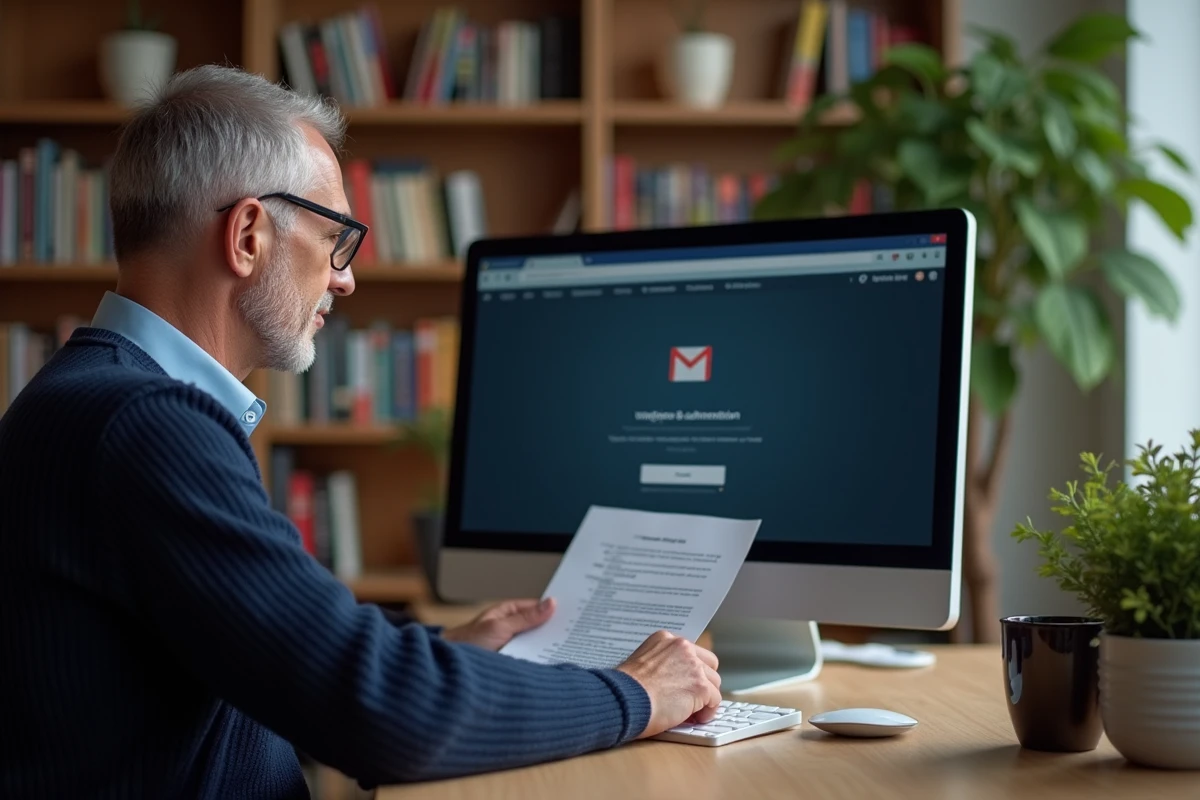
A common and underestimated case concerns a saturated inbox. When your storage space is full, the platform can behave erratically: extreme slowness, inability to display emails, or even timeout during login. The user then thinks that their credentials no longer work, while the problem actually comes from the volume of stored messages.
Expired certificate and outdated browser: two invisible causes
Have you ever seen a warning like “Your connection is not private” or “This site cannot provide a secure connection”? This message indicates a problem with the SSL/TLS certificate, not a password issue.
Certificates ensure that the connection between your browser and the academy’s server is encrypted. When a certificate expires or your browser does not recognize it, access to the webmail is blocked even before entering the credentials. Some users bypass the warning by clicking “Continue anyway,” which sometimes works but exposes them to security risks.
The most straightforward solution: update your browser. Older versions of Firefox, Chrome, or Edge do not always support recent protocols like STARTTLS. An update is usually enough to restore access without technical manipulation.
- Check that your browser is on its latest stable version (menu “About” in the settings).
- Clear the cache and cookies related to the domain ac-lyon.fr, as outdated data can cause a certificate conflict.
- Test access from another browser or in private browsing mode to isolate the problem.
If the message persists across all browsers and devices, the server-side certificate is likely at fault. In this case, only the IT department of the academy can intervene.
Mobile configuration: why the web connection works but not the app
You can access the webmail without difficulty from your computer, but your phone refuses to sync the emails. This discrepancy is normal. The web connection and mobile configuration rely on different mechanisms.
Access via a browser goes through the Convergence interface, the academy’s webmail. Access via an application (Gmail, Outlook, Mail) uses a distinct protocol, usually IMAP, with specific technical settings:
- The incoming IMAP server must be filled in with the exact address provided by the academy, along with the corresponding secure port.
- The outgoing SMTP server requires separate authentication, often with the same credentials but on a different port.
- The security type must be set to SSL/TLS or STARTTLS according to the rectorate’s indications, and not left on “None.”
A common mistake is to copy the settings from another academy or a generic tutorial. Servers vary from one academy to another. Using the settings from ac-grenoble or ac-clermont will not work for ac-lyon.
The trap of two-factor authentication
Some recent configurations of academic email add an extra layer of authentication. If your mobile application requests a distinct “app password” or displays a web login page before validating access, this mechanism is active. The usual password may then be rejected by the application, even if it remains valid on the webmail.
Webmail Ac Lyon: when to contact the rectorate’s technical support
Not all outages can be resolved on the user side. If you have checked your credentials, tested another browser, cleared the cache, and confirmed that your inbox is not full, the problem is likely on the server side.
Outages on the Convergence platform sometimes affect all users of the Academy of Lyon. Before calling, check the academy’s support portal (assistance.ac-lyon.fr) or a downtime reporting site to see if others are experiencing the same blockage at the same time.
The technical support of the DSI (Direction des Systèmes d’Information) of the rectorate of Lyon remains the only contact capable of resetting a locked account, unlocking a mailbox, or correcting a directory issue. Prepare your academic username, the exact error message, and the browser used before contacting them: these three pieces of information expedite the processing of your request.
A final useful reflex is to regularly clean your mailbox from the web interface. Deleting large attachments and emptying the trash frees up space and prevents saturation-related blockages, which remain the most common cause of false connection alerts on the webmail of the Academy of Lyon.