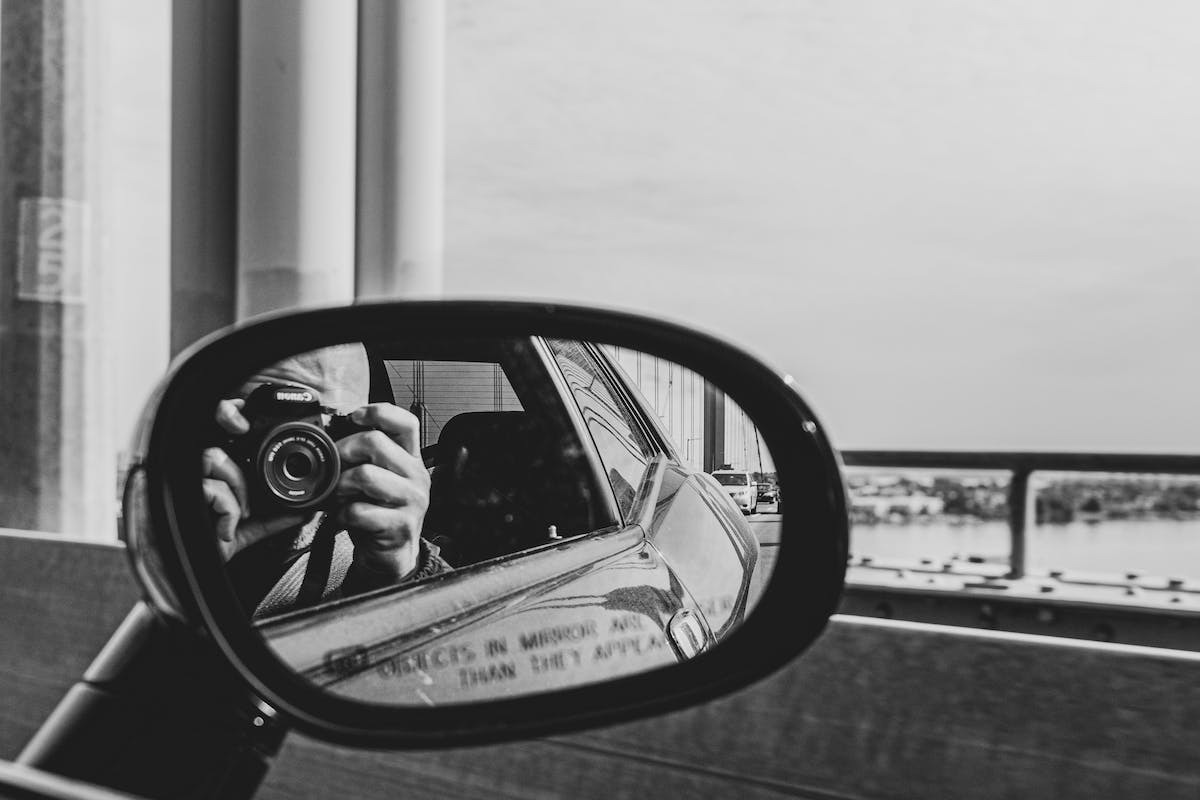
In the world of image editing and graphic design, the ability to make simple modifications, such as flipping an image, is essential. It may seem like a routine manipulation, but it can have a significant impact on the aesthetics of a visual. Imagine a landscape photograph with a lake reflecting the mountain in the background, but in a flipped arrangement. The mirror effect, as it is called, can transform an ordinary image into a visually striking work of art. Understanding how to flip an image and create a mirror effect is a valuable skill for any aspiring graphic designer or photographer.
The Mirror Effect: A Fascinating Illusion Explained
To flip an image in a mirror, there are various methods available. The first involves using an image editing software such as Photoshop. This software offers a multitude of tools and advanced features to modify images according to your needs. To flip an image, simply open the file in Photoshop, then select the ‘Rotate’ option from the ‘Image’ menu. Choose the ‘Flip Horizontal’ or ‘Flip Vertical’ option, depending on the desired effect.
Another popular method is to use online image editing tools. There are several websites that offer this functionality for free and are easily accessible from your browser. Among these online tools are Photopea, Pixlr, and Lunapic. You just need to upload your image to one of these sites, then follow the instructions to flip the image in a mirror.
Flipping an image has undeniable aesthetic advantages. It can give a new perspective to ordinary visuals and add dynamism to your graphic creations. Mirror effects can also create interesting optical illusions and play with the viewer’s perception.
You should mention some limitations when flipping an image in a mirror: it can sometimes alter certain elements such as textures or directional patterns present in the original image. Therefore, you should check if the final result meets the desired artistic requirements.
To create unique mirror effects with flipped images, here are some practical tips. Experiment by playing with rotation angles and different planes to achieve an interesting final rendering. Feel free to layer multiple versions of the same image to create a complex and captivating symmetry. You can also combine image flipping with other editing techniques, such as color manipulation or adding artistic filters.
Knowing how to flip an image in a mirror is a valuable skill in the field of graphic design and image editing. The various methods available allow you to achieve this impressive visual effect with relative ease.
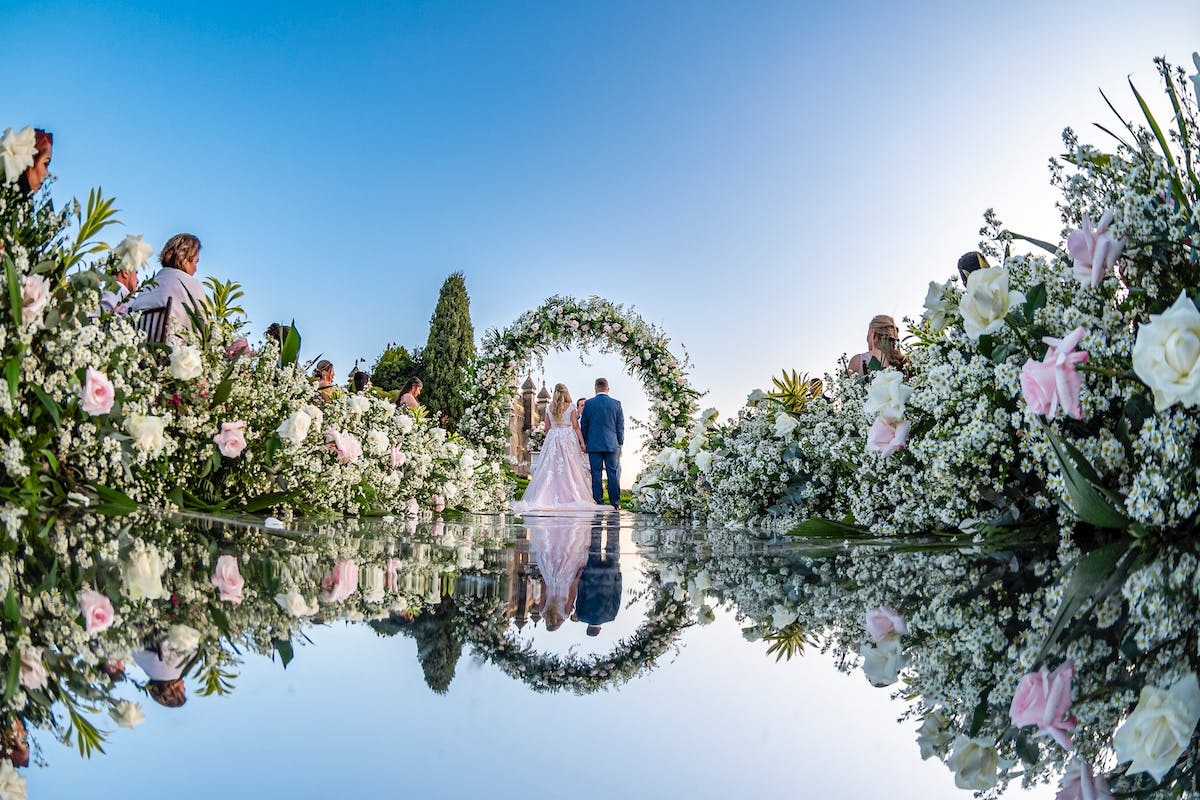
Flipping an Image: Techniques at Your Fingertips
Flipping an image can be easily accomplished using the advanced features of an image editing software. Among the most popular are Adobe Photoshop, GIMP, and Corel PaintShop Pro. These tools offer a variety of options to modify your images according to your aesthetic preferences.
In Adobe Photoshop, the process is simple and intuitive. You can either open your image directly in the software or import an existing file from the ‘File’ option. Access the ‘Image’ menu and then select the ‘Rotate’ option to find the various rotation options available. To flip your image horizontally to create a classic mirror effect, choose the ‘Flip Horizontal’ option. If you want to achieve a vertical mirror effect, use the ‘Flip Vertical’ option instead. The advantage of this type of software lies in its many additional features that allow you to further refine your creation.
If you do not have access to these professional software but still want to flip an image quickly and easily without downloading anything to your computer, there are free online alternatives such as Pixlr Editor and Fotor Photo Editor. These platforms are accessible via a standard web browser and do not require any complex downloads or installations.
Once on the chosen online platform, you typically just need to import your image from your device’s local storage or simply drag and drop the file directly from its location into the browser window. Look for and select the flipping or mirroring option in the dropdown menu of available tools. You can usually find this option in the ‘Transform’ or ‘Edit’ category.
Once you have flipped your image in a mirror according to your aesthetic preferences, all that’s left is to save your creation to your computer or share it directly on social media if you want to receive additional feedback and appreciation.
Flipping an image to create a mirror effect can be easily achieved thanks to the various image editing software available today. Whether you choose a professional software like Adobe Photoshop or a free online solution, there is always a method suited to your needs. Feel free to experiment with different orientations and rotation angles to fully express your artistic creativity.
Image Editing: The Ideal Software to Flip Your Shots
If you prefer to use online tools to flip an image and create a mirror effect, there are different options available on the Internet. One of these tools is the IMGflip website. It is a free platform that allows you to easily flip your image without having to download anything.
To use IMGflip, start by accessing the website from your browser. Click on the ‘Flip’ tab or look for this option in the main menu of the site. You will usually find a button or area where you can import the image you want to flip from your computer or from your online stored files.
Once you have imported your image onto the IMGflip platform, choose the ‘Flip Horizontal‘ or ‘Flip Vertical‘ option, depending on the mirror effect you wish to achieve. After selecting this option, wait a moment while the site makes the necessary changes to your image.
Once the flipping is complete, IMGflip will display the new version of your image with its mirror effect applied. You will then have the option to preview and download this new version directly from the site.
In addition to IMGflip, there are also other online tools such as Fotor and Lunapic that offer similar functionalities to flip an image and create a mirror effect. These sites often provide additional options such as image retouching, adding filters, and advanced editing.
Using online tools to flip an image has many advantages. They are accessible from any device with an Internet connection, making them convenient to use. These tools require no particular technical skills and are generally easy to use thanks to their user-friendly interface.
If you want to flip an image and create a mirror effect without resorting to expensive professional software, online tools such as IMGflip, Fotor, and Lunapic can be ideal solutions. Experiment with different rotation angles and orientations to achieve the desired result. Whether you are an amateur photographer or a professional designer, these tools will allow you to give a new artistic dimension to your images.
Online Image Flipping: Simple and Effective Tools
The flipping of images offers many advantages, both aesthetically and creatively. This mirror effect can give your photographs a unique and captivating appearance. By flipping an image, you can create visually interesting compositions by playing with symmetrical lines and shapes.
The flipping of images also allows for the correction of certain distortions or imperfections present in the original photo. For example, if text present in the image was initially unreadable because it was written backward, this technique will make that text perfectly legible.
Using flipping techniques can also have an emotional impact on the viewer. By presenting a familiar scene from a new angle through the mirror effect, you can evoke a sense of surprise or wonder.
It should be noted that this technique also has some limitations. One of the main limitations lies in its contextual application: not all types of images lend themselves well to total or partial flipping. It is important to carefully choose the images that will benefit most effectively from the process.
If you want to use this method for your website or professional printed publications, such as brochures and flyers, for example, you need to pay attention to the final visual.
Another limitation, although minor, is the loss of some minimal details during the flipping process. This is mainly due to the transformation of the original image and may be more noticeable on images with fine or complex details.
Despite these minor limitations, it is undeniable that the flipping of images offers interesting creative potential for photographs and illustrations. It not only allows for the creation of visually appealing compositions but also evokes a sense of novelty in the viewer.
The flipping of images provides artists with an additional opportunity to bring their creativity to life by playing with symmetry, lines, and graphic shapes. This technique also allows for the correction of certain distortions present in an image while evoking a positive feeling in the viewer. However, this method requires prior thought regarding the choice of images used, as well as particular attention to the readability of text after flipping.
Flipping an Image: Benefits and Constraints
To create unique mirror effects with flipped images, here are some wise tips to keep in mind. Be sure to carefully select the image you wish to flip. Choose a photograph or illustration that has interesting and symmetrical graphic elements.
Once you have found the perfect image, use a professional image editing software to proceed with its flipping. Ensure that you preserve the quality and details of the original image during the flipping process.
Once you have obtained the flipped image, play with the different mirror effects available in your editing software. Experiment with different orientations and angles to find the one that best highlights the key elements of your image.
In some cases, you can also add filters or adjust colors to further enhance the mirror effect and give a unique look to your visual creation.
Do not hesitate to combine multiple flipped images to create even more complex and intriguing compositions. You can overlay these images using different opacities to achieve a harmonious and captivating result.
Another important tip is to play with partial symmetry rather than total symmetry. Indeed, some parts can be exclusively kept in their original orientation while others will be flipped. This will create a striking contrast between the two sides of the image while maintaining overall harmony.
Remember that each image is unique, and there are no strict rules for creating mirror effects. Let your creativity flow and experiment with different adjustments until you achieve the desired effect.
The flipping of images offers multiple possibilities for creating unique and captivating mirror effects. By carefully choosing your images, using a professional image editing software, and exploring different creative options, you can bring to life visual compositions that evoke wonder and fascination in viewers.